


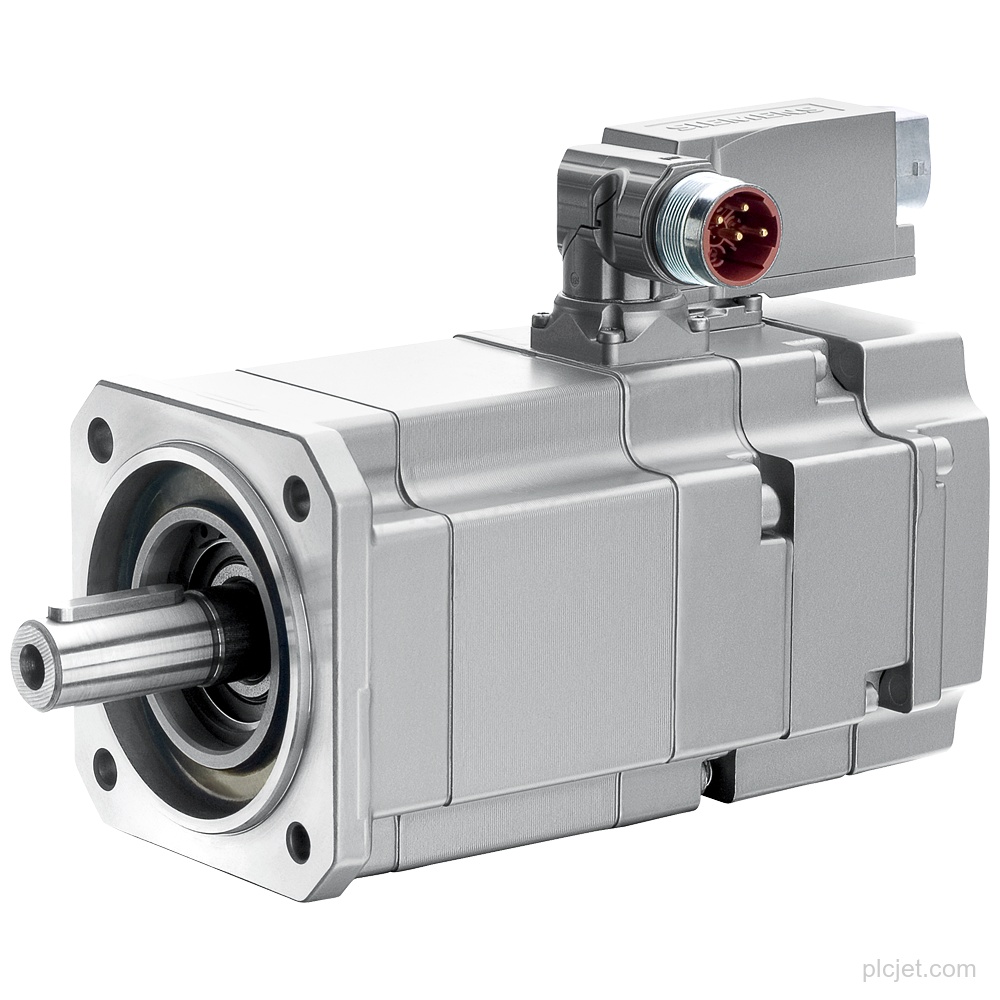
1FK7011-5AK21-1AG3
1FK7011-5AK21-1AG3 Siemens SIMOTICS S synchronous servo motor with 0.18 Nm (100K), 6000 rpm, 0.05 kW, IP54 and incremental encoder. Add it to a project quotation with quantity and destination.
Siemens automation hardware
Find Siemens PLCs, HMI panels, distributed I/O, drives and related automation parts by MLFB, part number or product category. Send the reference, quantity and delivery country, and we will prepare a quotation.
Category overview
Product list
1FK7011-5AK21-1AG3 Siemens SIMOTICS S synchronous servo motor with 0.18 Nm (100K), 6000 rpm, 0.05 kW, IP54 and incremental encoder. Add it to a project quotation with quantity and destination.
Siemens SIMOTICS S 1FK7011-5AK71-1AG3 servo motor with 0.18 Nm (100K), 6000 rpm, 0.05 kW, IP54 and incremental encoder. Add this line item with quantity and destination to your project quotation request.
Siemens 1FK7011-5AK71-1JB3 SIMOTICS S synchronous servo motor with 0.18 Nm (100K), 6000 rpm, IP54 and absolute encoder. Add this line item, quantity and destination to your project quotation request.
Siemens 1FK7011-5AK71-1JH3 SIMOTICS S synchronous servo motor with 0.18 Nm (100K) torque, 0.05 kW power and 6000 rpm. Include this exact line item with quantity and destination in your project or multi-line quotation request.
Siemens 1FK7015-5AK21-1AA3 SIMOTICS S servo motor with 0.35Nm (100K), 6000rpm and 0.10kW. Add this exact line item, quantity, destination and schedule to your project quotation.
Siemens 1FK7015-5AK71-1AA3 SIMOTICS S synchronous servo motor: 0.35 Nm (100K), 0.10 kW, 6000 rpm, IP54. Add this line item to a project quotation with quantity and destination.
Siemens 1FK7015-5AK71-1AB3 SIMOTICS S synchronous servo motor with 0.35 Nm (100K) torque, 6000 rpm and IP54. Add this line item, quantity, destination and schedule to your project quotation.
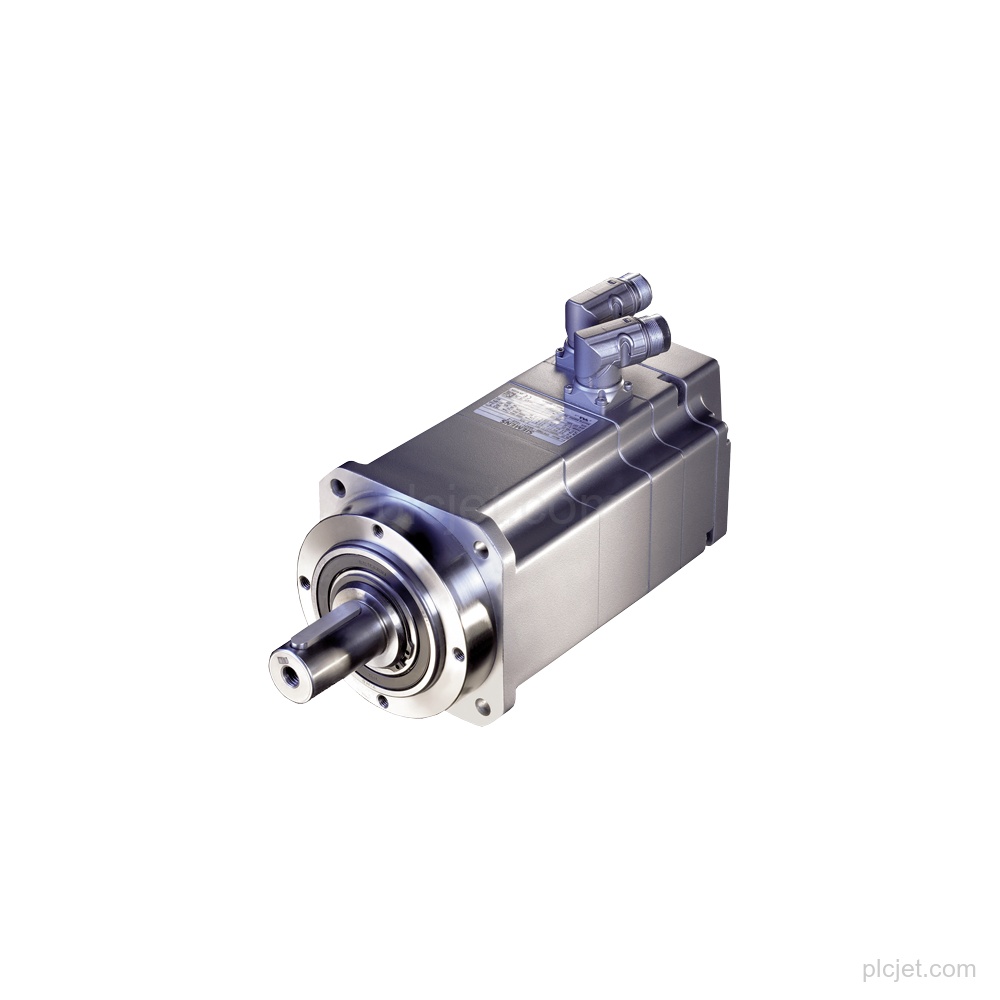
Siemens 1FK7015-5AK71-1JA3 SIMOTICS S servo motor: 0.35 Nm (100K), 6000 rpm, 0.10 kW, IP54 and absolute encoder. Add this line item, quantity, destination, and schedule to your quotation request.
1FK7015-5AK71-1JB3 Siemens SIMOTICS S synchronous servo motor with 0.10 kW, 6000 rpm, IP54 and absolute encoder. Add quantity and destination for a project quotation.
Category overview
Product list
Drive & Motion Hardware
Drive & Motion Hardware
Drive & Motion Hardware
Drive & Motion Hardware
Drive & Motion Hardware
Drive & Motion Hardware
Drive & Motion Hardware
Drive & Motion Hardware
Drive & Motion Hardware
Where to start
Use the complete MLFB or part number when it is shown on the product label.
Provide the product family and a readable nameplate image when model details are incomplete.
Place each requested item and quantity on a separate line, then send the complete list for quotation.
Quotation details
Common questions
Yes. You can send PLC, HMI, I/O, drive, network and supporting-component references together. A BOM or spreadsheet is useful when your requirement has multiple line items.
Send the marking you can read and, where possible, a clear nameplate image. Include the installed equipment or product family when it helps explain the requirement.
Include the delivery country and any relevant commercial, packaging or documentation requirements when they are available.
Request a Quote