


Power and Status
If you already have maintenance records, include the supply voltage and indicator-light status. You do not need to perform new tests to send a request.

RFQ SUPPORT
Send the Siemens MLFB, order number or a clear nameplate photo with the quantity and delivery country. Include equipment details for document or compatibility questions so we can assess your quotation request.
QUOTATION
Start with the product reference, quantity, required condition and delivery country. Add equipment, packing or document details when relevant.
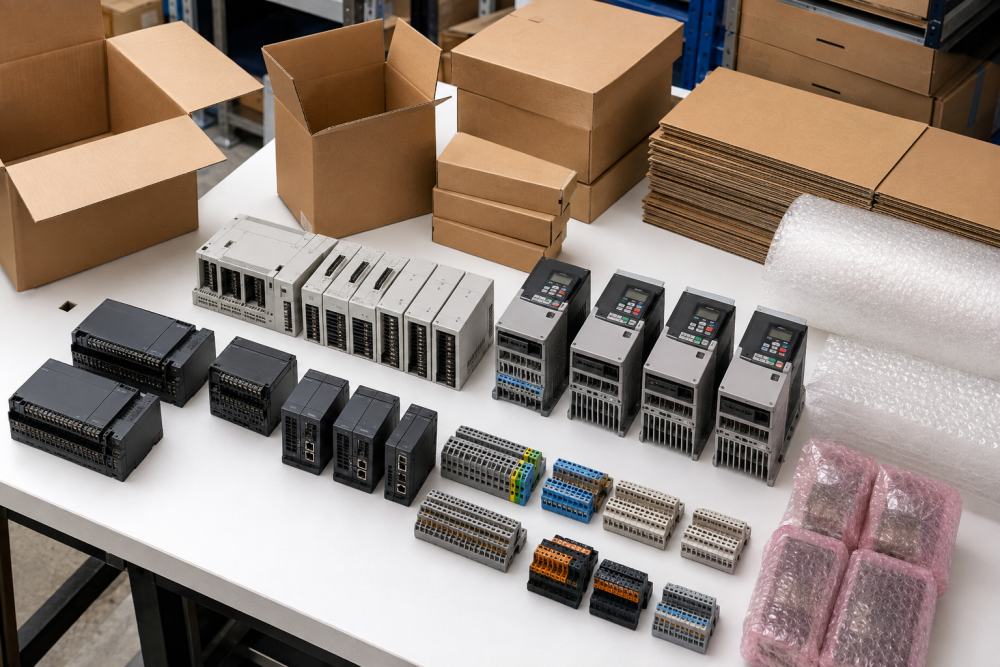
WHAT TO CONFIRM
Use these steps to prepare the request and review the quotation before ordering.
Use the form for text. Include the brand, complete model or part number, quantity, required condition and delivery country. Send photos and files by email or WhatsApp.
Send Your RequestProvide any missing suffix, version, equipment, condition or delivery information requested for the quote.
Check every product identifier, quantity, condition, delivery detail and commercial term shown in the quotation.
Match each product identifier and stated condition to your approved request.
Confirm any packing, labeling or document requirements before placing the order.
Confirm the delivery country, shipping terms and required documents shown in the quotation.
AFTER DELIVERY
If you have a question after delivery, send us your order number, part number and a brief description of the issue. You can email photos of the product and packaging or send them through WhatsApp.
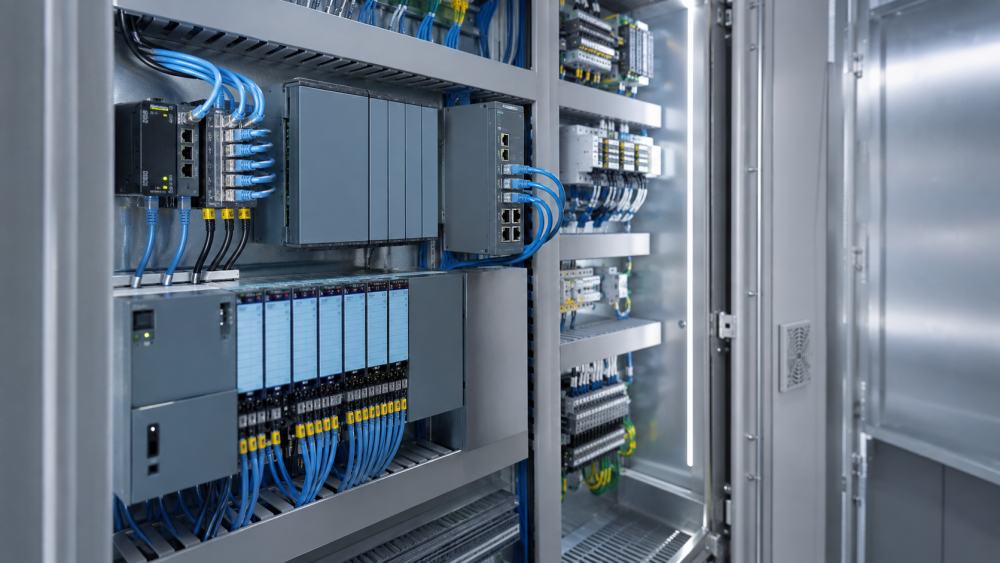
REQUEST TYPES
You can contact us with questions about product identification, technical documents, compatibility or your project requirements.
PRODUCT IDENTIFICATION
Send us the part number and a short description of the issue. If you already have error codes, photos of indicator lights or diagnostic records, include them with your request.
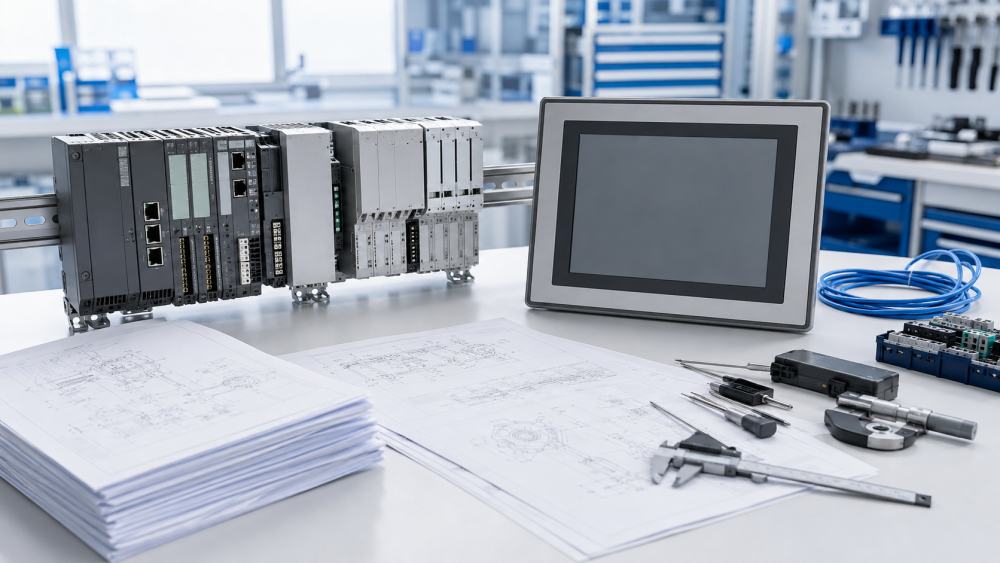
Isolate equipment and follow site procedures before inspecting wiring or power circuits. Qualified personnel must perform electrical tests, commissioning and program changes.
If you already have maintenance records, include the supply voltage and indicator-light status. You do not need to perform new tests to send a request.
Tell us which module is affected and whether the RUN, STOP or ERROR indicator is lit. Include any diagnostic logs you already have and describe recent changes.
For PROFINET, PROFIBUS or Industrial Ethernet issues, include any known device names, addresses, connection status and recent network changes.
For HMI or I/O issues, describe the affected panel or channel and include any alarms, error messages or version details you already have.
DOCUMENT REQUESTS
Request a manual, datasheet or configuration reference with the complete model number, document type and required language. Send nameplate images by email or WhatsApp.
Operating instructions, installation manuals, technical data and product specifications for an identified model.
Product-family references used to compare functions, interfaces, ratings and compatible accessories.
Software name, version, target product and the specific configuration question your team needs to resolve.
For a project or maintenance parts list, include each part number and tell us which manuals or datasheets you need.
NEW PROJECT
You can send us your project parts list or describe the equipment and function you need. Include any known connection requirements, operating conditions and preferred product series.
COMPATIBILITY
Products with similar housings or family names are not necessarily interchangeable. Check any alternative against manufacturer data and the installed system before purchase.
RFQ GUIDANCE
These answers explain what to send for product identification, documents, compatibility questions and quotations.
A clear nameplate photo can help us identify the product. Type every visible order number, suffix and hardware version because a partial identifier may refer to several variants.
No. Send the complete installed model. We must compare the electrical, mechanical, communication, firmware and engineering requirements before discussing a possible alternative.
Send the complete CPU and module order numbers, LED states, error codes, diagnostic-buffer messages, recent changes and a short description of when the fault occurs.
Send model identifiers, recorded symptoms, error codes, document needs and quotation questions. Qualified personnel must carry out electrical tests, program changes and work inside control equipment.
Yes. Include the full model, product generation and required language. Document availability depends on the identified product.
Send the complete order number, quantity, required condition and delivery destination. Availability, lead time and commercial terms are confirmed for the specific quotation.
The delivery method, transport details and schedule are confirmed with the quotation and pro forma invoice for your destination.
Send us your order number, part number and a description of the problem. Email photos of the product, nameplate or packaging, or send them through WhatsApp.
REQUEST DETAILS
Tell us the part number and how we can help. You can ask about product identification, documents or compatibility. For a quotation, include the quantity and delivery country.
Include the part number, nameplate details, quantity, delivery country and any error codes that apply.